Core Web Vitals are three numbers Google uses to describe how a page feels to a real visitor: how fast the main content appears, how quickly the page reacts to a tap, and how much the layout jumps around. They are part of Google’s page experience signals, and more importantly they track the moments when visitors give up. Here is what each one measures on a WordPress site and where to look first when it is red.
The three metrics and their targets
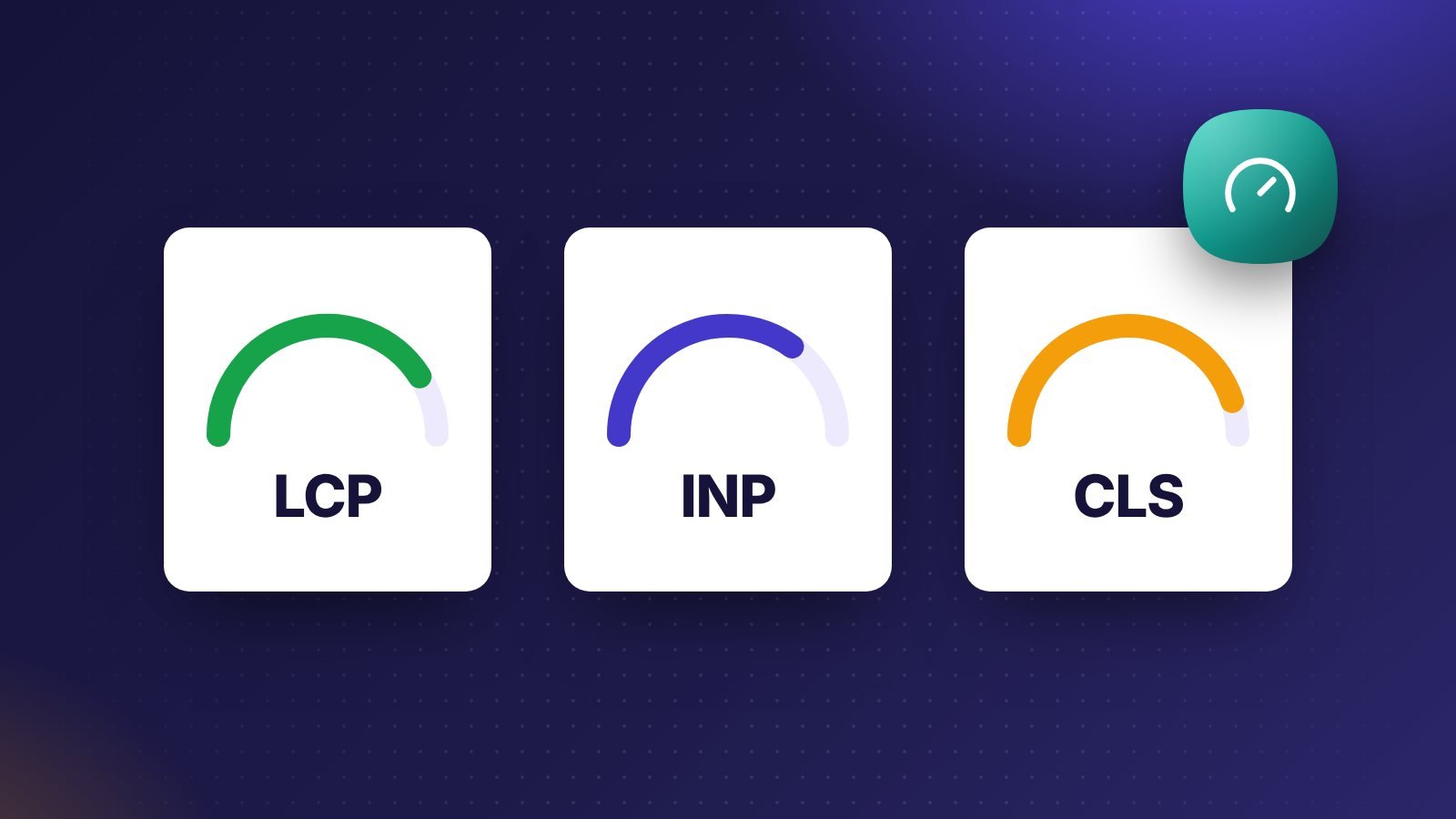
- LCP (Largest Contentful Paint): the time until the biggest image or text block in the viewport is drawn. Good is 2.5 seconds or less.
- INP (Interaction to Next Paint): how long the page takes to respond visually after a click, tap or key press, across the whole visit. Good is 200 milliseconds or less. INP replaced First Input Delay as a Core Web Vital in March 2024.
- CLS (Cumulative Layout Shift): how much visible content moves unexpectedly. Good is 0.1 or less.
Google judges a page by the 75th percentile of real visits, split by mobile and desktop. A fast laptop on office Wi-Fi tells you little; the number that counts comes from ordinary phones on ordinary connections. The definitions and thresholds come from web.dev’s Web Vitals overview.
Measure before you change anything
Run your key pages through PageSpeed Insights. The top section shows field data from Chrome users if your site has enough traffic; the lab section below is a single simulated load. Fix what the field data shows, and use the lab report to find the cause. Search Console’s Core Web Vitals report groups similar URLs, so one template fix can clear hundreds of pages.
Improving LCP
On most WordPress sites the LCP element is the hero image or the featured image of a post. The usual causes of a slow LCP are a slow server response, a large image, and an image the browser discovers late.
- Serve the hero image in WebP or AVIF at the size it is shown, not the original upload.
- Never lazy-load the image above the fold. WordPress adds
fetchpriority="high"to the first large image; check that your theme or a plugin is not undoing it. - Use page caching so the HTML arrives quickly. A cached page on decent hosting should start arriving in well under a second.
- Load web fonts with
font-display: swapand preload only the one or two files the first screen needs.
The Optimize LCP guide breaks the metric into four parts, which helps when the fix is not obvious.
Improving INP
INP is about JavaScript. When the main thread is busy running scripts, a tap has to wait. Sliders, chat widgets, tracking tags and page builders that ship large bundles are the common culprits.
- Remove plugins you no longer use, and check what each remaining one loads on the front end.
- Delay third-party scripts that are not needed for the first interaction, such as chat widgets and heatmaps.
- Keep event handlers short. Heavy work after a click should be split up or moved off the main thread.
Improving CLS
Layout shift happens when something appears and pushes content down. Images without dimensions, late-loading fonts that change text size, cookie banners inserted above the content and ads without reserved space cause most of it.
- Give every image and video a width and height, or an
aspect-ratioin CSS. - Show banners as overlays at the bottom of the screen instead of pushing the page down.
- Animate with
transformandopacity, which do not move the layout.
Speed is also SEO housekeeping
Fast pages do not rescue weak content, and good content on a slow page loses visitors before they read it. Treat Core Web Vitals as part of the same routine as titles, sitemaps and internal links. Our WordPress SEO checklist covers the rest of that routine.
Where FluxWP helps
Flux Speed shows slow requests and heavy queries from inside the admin, so you can see which plugin or page is costing time. Because FluxWP plugins share one admin and one design system, a site that uses forms, a team inbox and analytics loads one set of assets instead of three. If the bottleneck is the server, our managed hosting plans are set up with caching and tuned for WooCommerce.