A second language can double the audience a site reaches, but only if search engines understand which page is meant for which reader. Get it wrong and the English page ranks in Turkey, the Turkish page never appears, or Google treats the two as duplicates. This guide covers the decisions that matter for a multilingual WordPress site: URL structure, hreflang, canonical tags and translated metadata.
Give every language its own URL
Google needs a separate address for each language version. Showing different text on the same URL based on a cookie or the browser language means the crawler, which usually arrives without either, sees only one version. The common choices are:
- Subdirectories such as
example.com/tr/. One domain, one hosting setup, and authority builds on a single site. This is the easiest option for most WordPress sites and the one fluxwp.com uses. - Subdomains such as
tr.example.com. Workable, but each subdomain is set up and monitored separately. - Country domains such as
example.com.tr. A strong local signal, but more domains to buy, renew and build links for.
Avoid URL parameters like ?lang=tr for the main versions. They work technically but are easy to lose in internal links and sitemaps.
Tell search engines about the other versions with hreflang
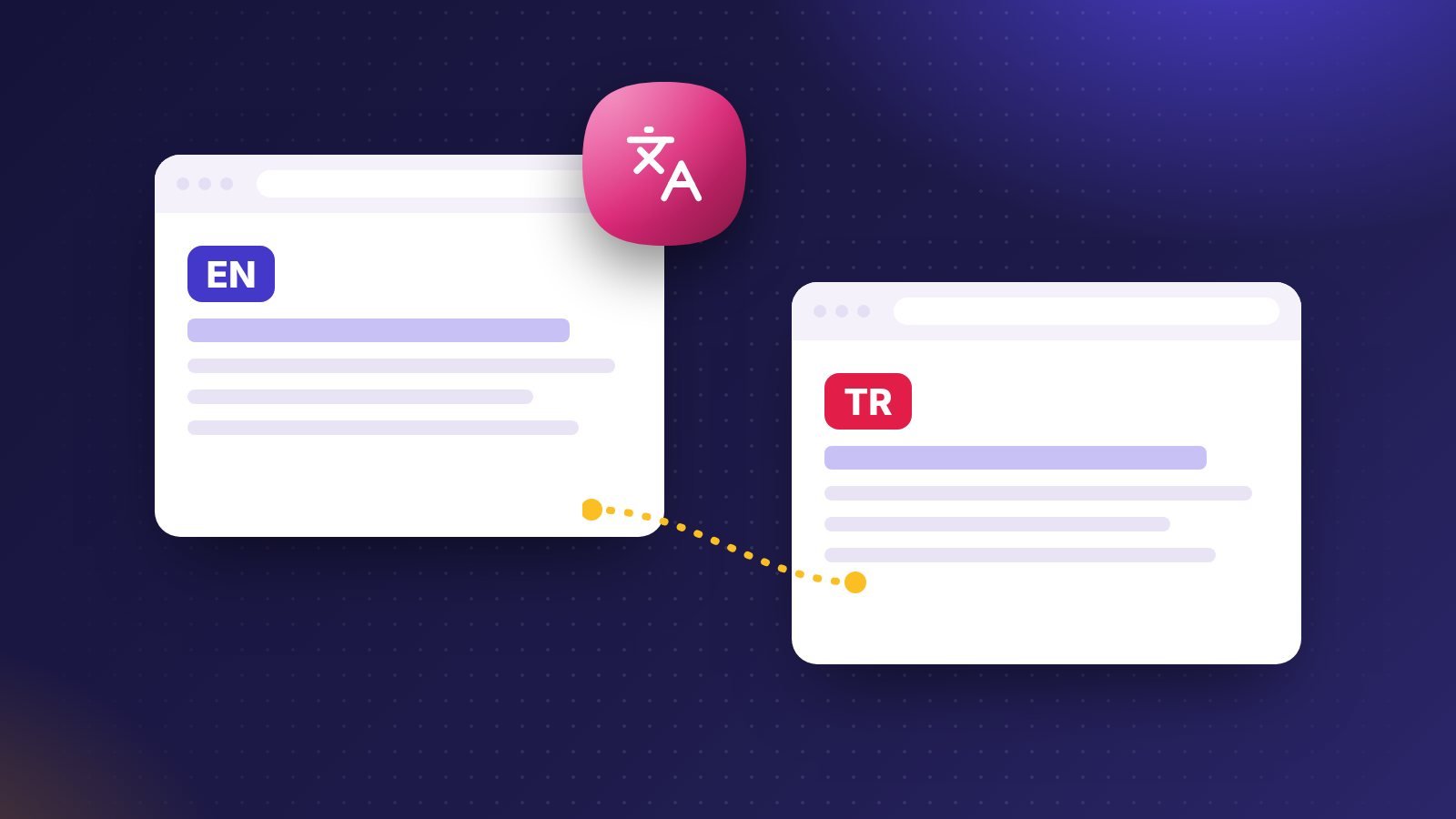
The hreflang annotation lists every language version of a page, including the page itself. On the English page and on the Turkish page, the head should contain the same set:
<link rel="alternate" hreflang="en" href="https://example.com/pricing/">
<link rel="alternate" hreflang="tr" href="https://example.com/tr/fiyatlar/">
<link rel="alternate" hreflang="x-default" href="https://example.com/pricing/">
Three rules catch most mistakes:
- Return links are required. If the English page points to the Turkish one, the Turkish page must point back. One-way annotations are ignored.
- Each page lists itself. The self-reference is part of the set.
- Use real language codes. ISO 639-1 for the language (
tr, nottk), optionally followed by an ISO 3166-1 region (en-GB).x-defaultmarks the page for everyone else, usually the language picker or the main language.
Google’s documentation on localized versions of your pages covers the HTML, HTTP header and sitemap methods. Use one method per site; mixing them makes errors harder to find.
Keep canonical tags inside each language
A common error is pointing the Turkish page’s canonical at the English page because “the English one is the original”. That tells Google the Turkish page is a duplicate and should not be indexed. Each language version should have a canonical pointing to itself, and hreflang connects the versions.
Translate the metadata, not just the body
The title, meta description, image alt text, Open Graph tags and URL slug are what searchers see first. A Turkish article with an English title will not rank for Turkish searches. Write slugs in the page’s language (/tr/cok-dilli-seo/), set og:locale correctly, and translate category and tag names so archive pages make sense in both languages. Also check that structured data uses the right inLanguage value.
Do not redirect based on location alone
Automatically redirecting visitors by IP address or browser language can stop crawlers, which mostly come from the US, from ever reaching your other versions. If you suggest a language, show a dismissible banner and let people switch. Google’s guide to managing multi-regional and multilingual sites explains why.
Translate for people, then check the basics
Machine translation is a good first draft, but readers notice stiff phrasing, and so do search engines that measure whether people stay. Have a native speaker read every page that matters. After that, run the same checks you would on a single-language site: our WordPress SEO checklist for titles, sitemaps and internal links, and our Core Web Vitals guide for speed.
How FluxWP handles it
Flux Lang keeps each language under its own subdirectory, links translations so hreflang (with return links and x-default) is written automatically, translates term names, image alt text and site texts, and works with WooCommerce. Flux SEO then writes titles, descriptions, canonical tags and Open Graph in the visitor’s language. This site runs on both: compare this page with its Turkish version using the language switch at the top.